
Forum rules - please read before posting.
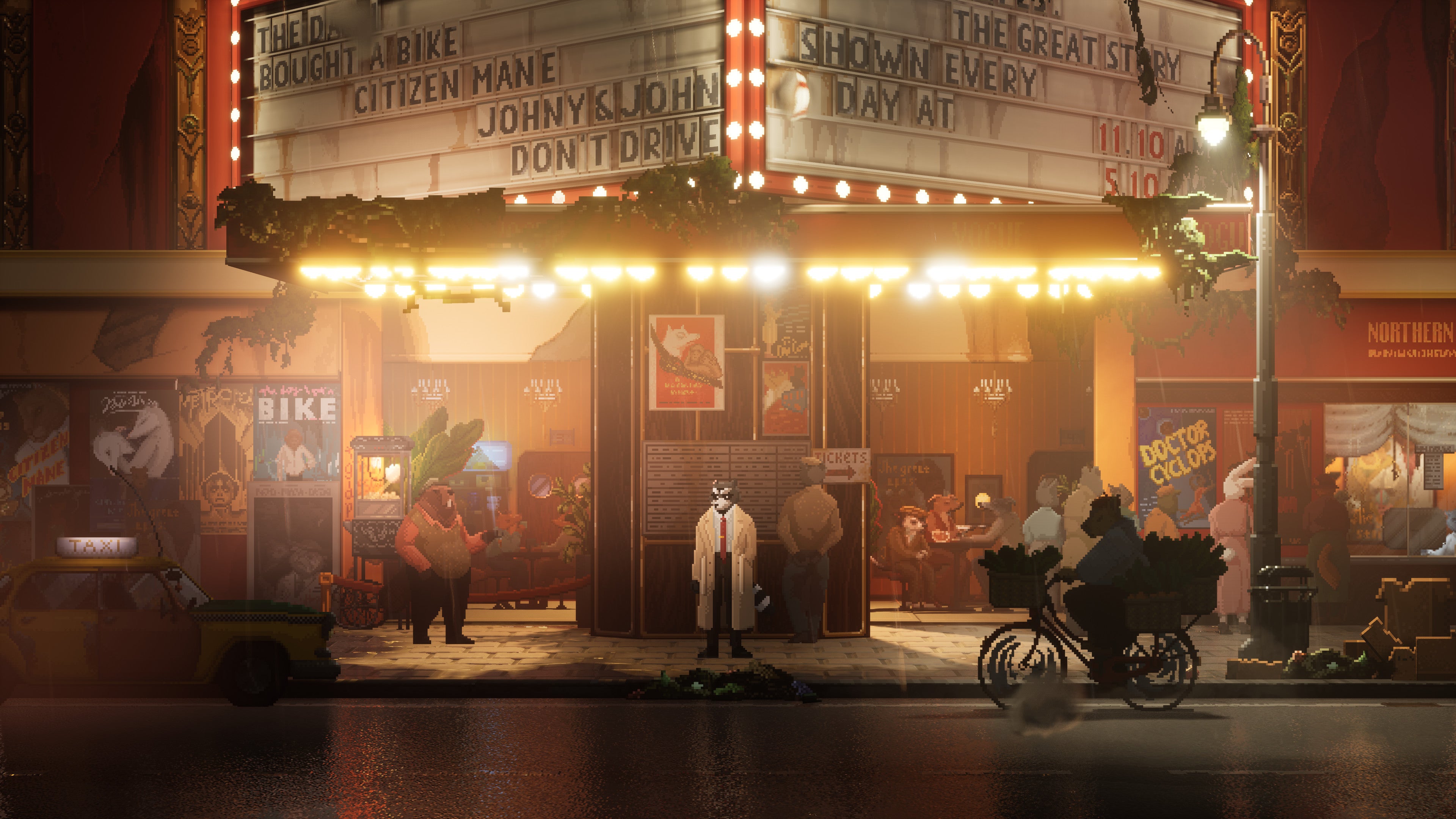
Can you do 2D characters in 2.5D world with 3D lights?

I'd like to make something like Backbone or The Last Night -- pixel characters using low-poly normal-mapped geometry. Is this possible?
Howdy, Stranger!
It looks like you're new here. If you want to get involved, click one of these buttons!
Quick Links
Categories
Welcome to the official forum for Adventure Creator.
Comments
Welcome to the community, @Increator.
In AC terminology, 2.5D refers to the use of pre-rendered image backgrounds and 3D characters. For something like the examples you mention, you'd be looking at 2D characters in a 3D scene.
AC supports the use of 2D characters in 3D scenes - you just need to rely on 3D Colliders instead of 2D Colliders for your sprite-based characters - but the lighting side of things is still handled by Unity and its render pipelines. AC wouldn't be involved with shading and materials.
If you instead wanted to use e.g. a simple quad mesh instead of a sprite, this would be a regular 3D character. To have the mesh face the camera at all times, you'd just need to move the mesh to a parent of the character's root object, so that you can attach a simple custom script that updates its rotation to face the camera in LateUpdate.
I'd recommend first testing your intended look without involving AC, instead using Unity's sprite system shader tools - including HDRP, if you want to have very realistic lighting.