
Forum rules - please read before posting.
Character won't walk faster

I can't seem to make my character walk faster. Any reason why? 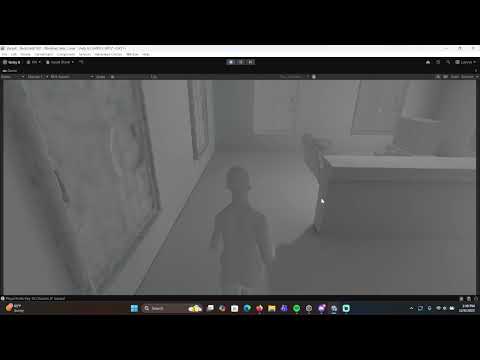
Howdy, Stranger!
It looks like you're new here. If you want to get involved, click one of these buttons!
Quick Links
Categories
Welcome to the official forum for Adventure Creator.
Comments
It's because your Animator component has Apply Root Motion checked, which means that the character's motion is tied to their animation.
Adjusting the Walk / Run speed scale values will affect the size of the Animator's MoveSpeed float parameter, but what effect this has on the character's motion is then handled by what animations are driven by this parameter.
Adjusting the speed of the run animation itself will cause them to move faster. Alternatively, unchecking the root motion option will then allow AC to move the character directly - though you'd need to replace the animations with ones that keep the root in a fixed position.