
Forum rules - please read before posting.
Interaction boundary query

Hi
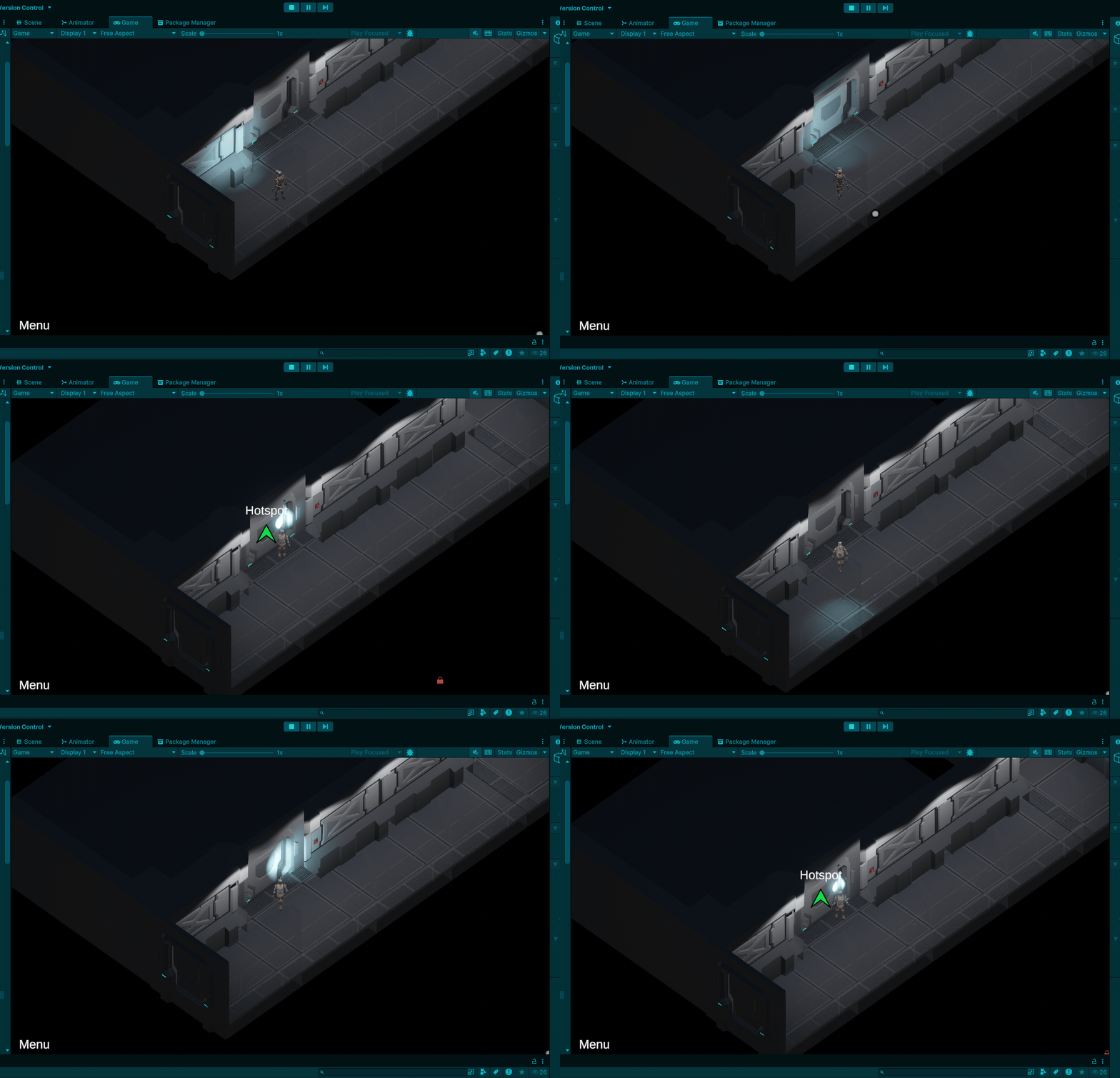
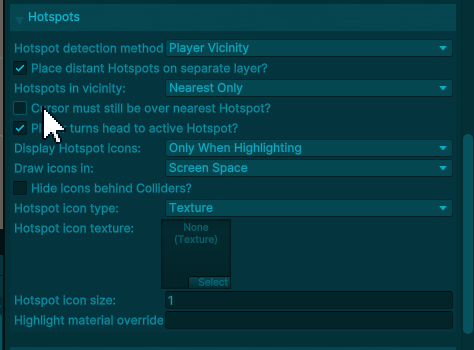
I want the hotspot icons to show when the player approaches a hotspot (in this case a door), along with any highlights, flashing effects etc, regardless of whether the mouse is over the hotspot.
I've got this working kind of, but it looks like it's ignoring the interaction boundary and it only shows the hotspot icons when the player is touching the hotspot.
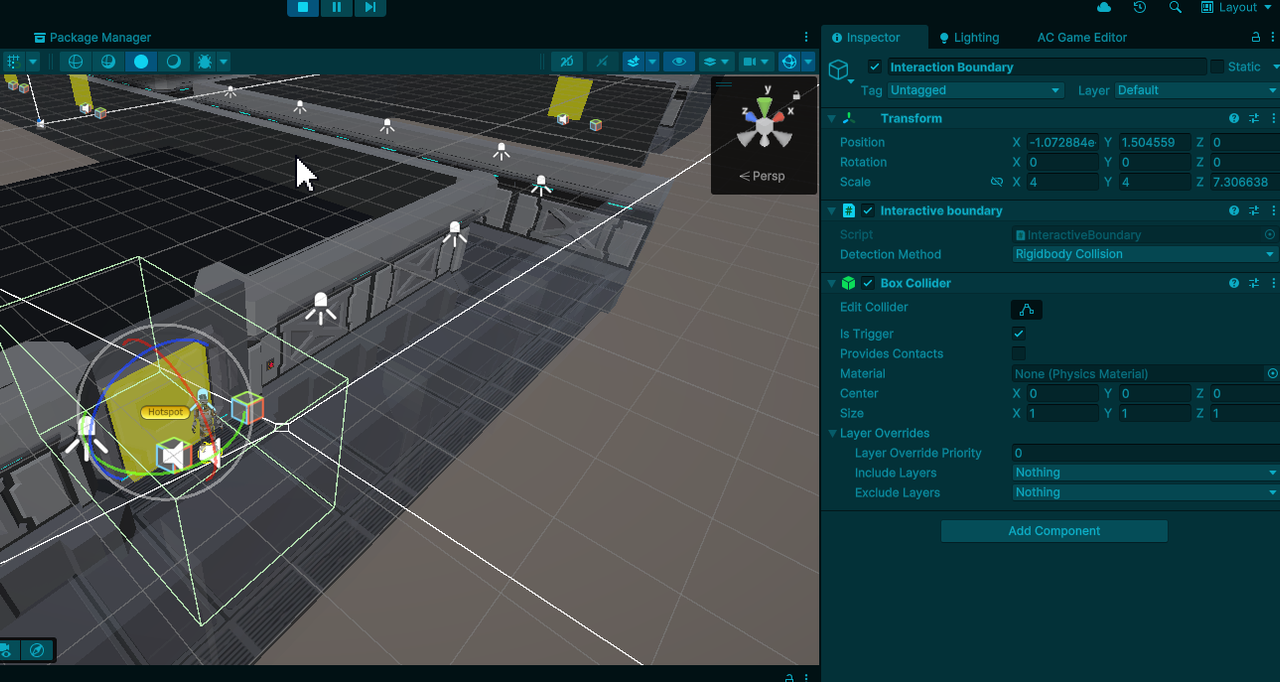
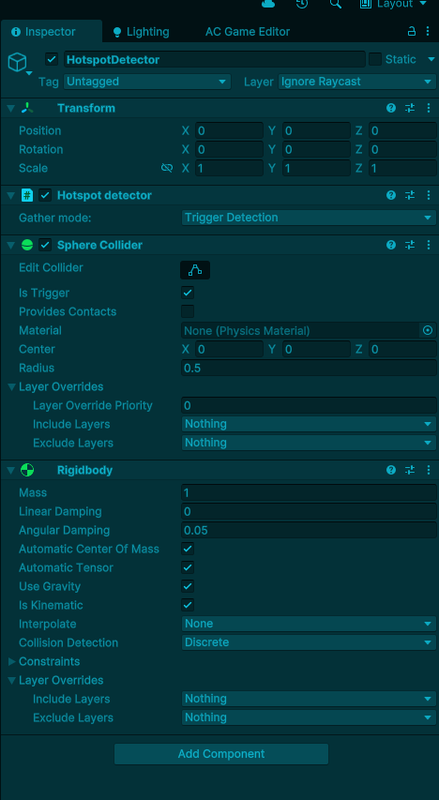
Any ideas which settings I've missed? The hotspot has a boundary assigned, which is set to rigidbody detection. The player has a hotspot detector with a rigidbody on it. The boundary is set to the area I want to detect in.
Howdy, Stranger!
It looks like you're new here. If you want to get involved, click one of these buttons!
Quick Links
Categories
Welcome to the official forum for Adventure Creator.
Comments
The Rigidbody that the boundary detects must be that of the Player's root. If the only Rigidbody on the Player prefab is that of the Hotspot Detector, you'll either need to move it to the root, or switch the boundary's Gather Mode to Transform Position and make sure it clips through the floor.
However, when a Hotspot Detector is used in conjunction with Player Vicinity detection, both conditions must be met for a Hotspot to be detected. The Player will need to be both inside the Boundary, and the Hotspot within the Detector.
To have the Player detect the Hotspot as soon as they enter the Boundary, you'd need to either:
1) Raise the size of the Trigger's collider such that it spans the whole of the Boundary
2) Switch your Hotspot detection field to Custom Scipt and use a custom script to have the Boundary's presence override the Detector: