
Forum rules - please read before posting.
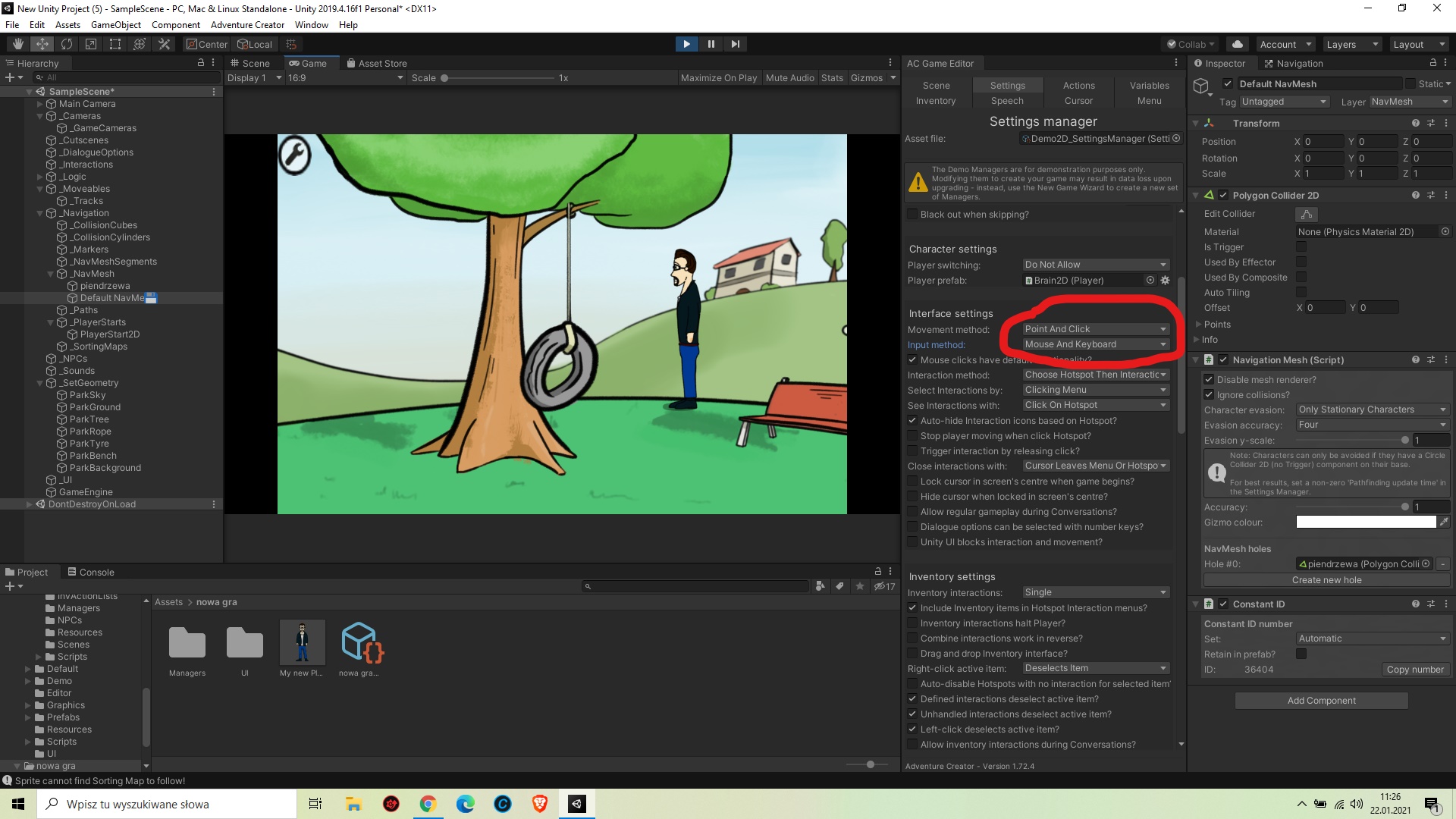
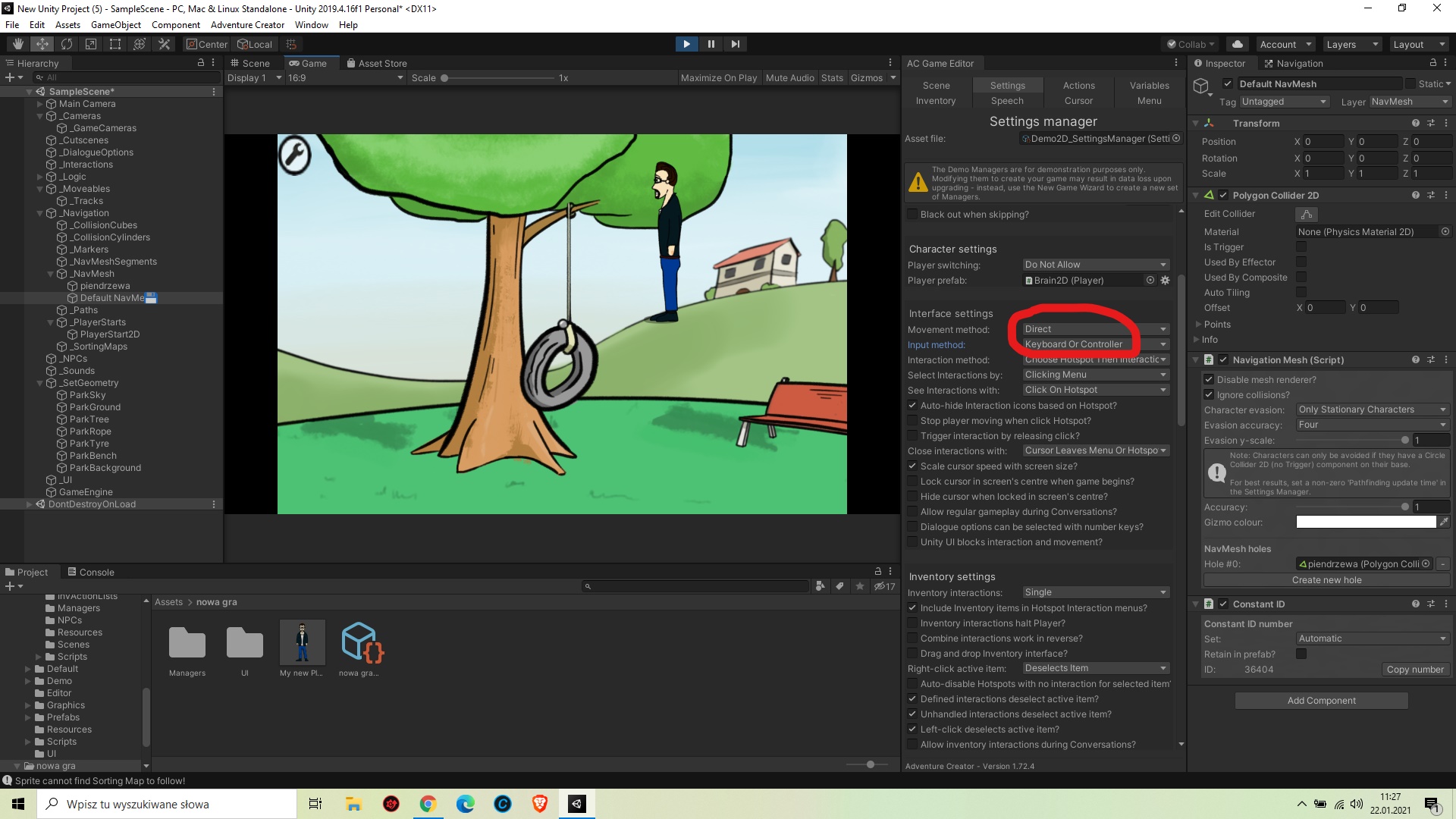
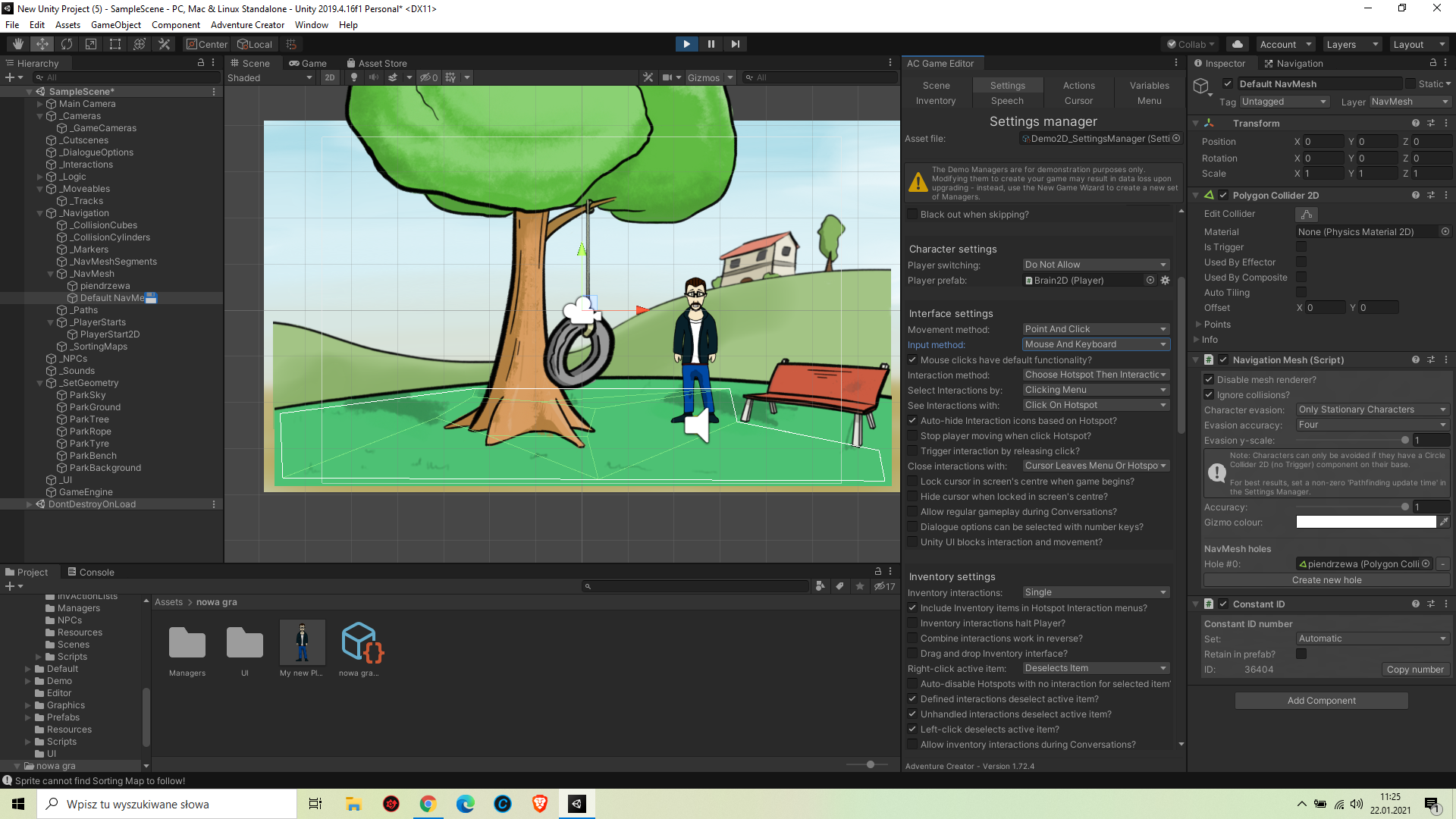
Somebody knows why Player character ignore NavMesh when I switch movement method from p&c to direct?

Somebody knows why Player character ignore NavMesh when I switch movement method from p&c to direct?
https://imgupload.pl/images/2021/01/22/InkedZrzut-ekranu-2021-01-22-112645_LI.jpg
https://imgupload.pl/images/2021/01/22/InkedZrzut-ekranu-2021-01-22-112710_LI.jpg
https://imgupload.pl/images/2021/01/22/Zrzut-ekranu-2021-01-22-112605.png
Howdy, Stranger!
It looks like you're new here. If you want to get involved, click one of these buttons!
Quick Links
Categories
Welcome to the official forum for Adventure Creator.
Comments
Welcome to the community, @kitka2388.
Just as with 3D games, a NavMesh does not restrict an object's movement - it's just a guide for the character when pathfinding.
To restrict a characters' movement when using Direct movement, you must place down colliders and rely the character's Rigidbody collisions when them to prevent moving through them.
Make sure your 2D Player has Rigidbody2D and Circle Collider 2D components on them, and then place down 2D Colliders to act as "walls" in your scene. Arrange them such that they prevent the Player from entering them - rather than preventing your Player from leaving them.
So if I dont make p&c game (i want control by keyboard, 2D view like Dizzy game for exapmle) NavMesh is useless for me?
NavMeshes are necessary if you want a character to rely on pathfinding, which is typically the case for traditional adventure games that AC is intended for.
Even if your game isn't point-and-click, you may need/want to rely on a NavMesh so that e.g. NPCs can rely on pathfind - or the Player during Cutscenes.
If the only time you're moving the Player is due to Direct control, and no other characters are moving (or at least, not pathfinding), then you can do without a NavMesh.
Though, if you're looking for "2D platform" mechanics as seen in e.g. classic Dizzy games, you would need to rely on a separate motion controller and have your Player rely on that instead of AC's built-in motion controller, which isn't intended for platfrom games. To have an AC Player rely on a separate control script for motion, set the "Motion control" field to "Manual" - any other component attached that controls the Player will then be able to move the Player without interference from AC.
hmmm I thing...
Was I wrong assumed AC is the best for my project? I Needed create easly hotspots, triggers, NPC dialogue etc, but is not classic p&c. Do You thing AC is not good program for my project? Maybe basic Unity is better?
damn it...
Anyway thx You Chris, I must thing over my project.
To clarify: AC by itself is for traditional adventure games, but that's not to say it can't handle other games that share elements such as Hotspots, Triggers, NPC dialogue etc.
It's just to say, depending on what needs you have for your project, you may have to rely on other assets or custom scripting to handle those aspects that AC alone doesn't cover. If you have need for things like Hotspots, dialogue etc, you can still use those aspects of AC - you're not limited to using just AC and nothing else.
If you intend for your game to have a very specific kind of movement (e.g. Dizzy-style movement), I would recommend getting that kind of system in your project first - and then bring AC into the mix once that's working as you intend. Once you have a custom motion control system that suits your needs, having it work with AC isn't too much hassle. This tutorial covers the writing of a typical "bridge script" between AC and a third-party control system, and I am here to advise as well.
I understand, thx You